JellyDazzle is in the Mac App Store review queue
JellyDazzle 3.0.2 was submitted to the Mac App Store at 1:29 this morning. It is sitting in the review queue. The signed, notarised build is already downloadable, and it opens with no warning at all.
Play music first. JellyDazzle is audio-reactive — put something on before you watch it. Anything playing on your Mac will do. In silence it still runs, but on internal clocks, and you are seeing about half of what it does.
Nothing to hand? Play mine. “And I Need Ur Love” by The Rat’s Asses — my band, my song. Free, no account needed. Press play, then open JellyDazzle and watch it chew on the guitar.
Also on Spotify — free accounts only get a 30-second preview there, so the video above is the whole song.
What it is
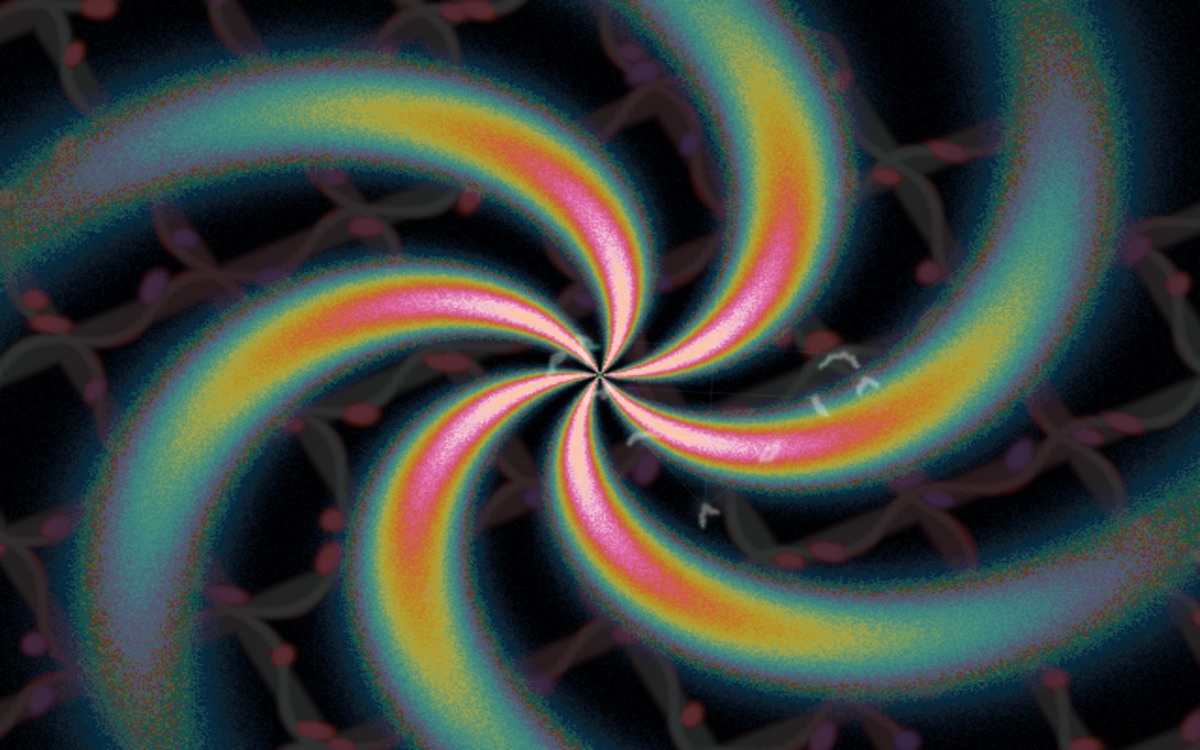
JellyDazzle listens to whatever your Mac is playing and paints to it. Put on a record, a film, a livestream, and the screen answers it. Never the same pattern twice, never the same colours.
Under it: 634 routines. Twenty-four written in hand-tuned ARM64 assembly, six hundred and ten more in C — fractals, plasmas, lightning, caustics, gears, weaves, nebulae, cellular growth. They are scheduled into layers by how much each one moves on its own, so the stillest routines get the most transform and nothing sits static. Two routines from the same shape family never share the screen. 180 colour schemes, interpolated in OKLab.
On macOS 14.2 and later it taps the system audio output rather than the microphone, so it follows whatever app is playing.
It is an homage to DAZZLE.EXE, written by James R. Shiflett of Houston in 1990 — at night, "a sort of therapy," as he called it.
What it actually took
The interesting part was not the app. It was everything between a finished app and a thing a stranger can install.
The bug that was hiding in plain sight
Pressing C is supposed to change the colours. It picked the scheme furthest in colour distance from what was on screen — which sounds right, and is wrong. Colour distance is symmetric: from A the furthest is B, and from B the furthest is A again. It had been toggling between two palettes, and the other 178 never appeared. It now chooses at random among the most distant, never repeating the one it just left.
There is no F1 on a Mac
The top row is display brightness. The convention is ⌘?, from a Help menu every Mac app is expected to have and this one did not. Adding a real Cocoa menu bar to an SDL app is its own small adventure: AppKit fires a menu shortcut and still forwards the key to SDL, so binding ⌘A to the about card toggled it twice and looked like a no-op.
The expired certificate nobody mentions
This one cost the most and appears in none of the error messages. Every newly issued Apple certificate showed up as an unusable identity — present in the keychain, refusing to sign. The cause was the Apple Worldwide Developer Relations intermediate: the Mac still had the G1, expired February 2023, while the new certificates are issued under G3. The chain could not build, so every certificate looked broken. Installing G3 fixed the entire class of problem at once.
Apple's arm64 rule
The rendering core is hand-written ARM64 assembly, so the app is Apple Silicon only. Apple
allows that — but only if the deployment target is 12.0 or higher (error 90869). And it
reads the minimum from LSMinimumSystemVersion in the Info.plist, not from the binary,
so the two have to agree. The App Store build is 12.0; the direct download stays at 11.0 for
wider reach.
A crash that was not a crash
For a while the app appeared to quit itself 30 to 80 seconds after launch — clean exit, no
crash report. Six parallel investigations later: macOS termination ruled out with AppKit's own
logs, zero signals across a five-minute instrumented run, and the actual cause caught in a
backtrace. The window was being closed. Because the app has one window and SDL's
QUIT_ON_LAST_WINDOW_CLOSE defaults on, any close produces a clean exit that looks
exactly like a mystery. Run it hidden, where nothing can click it, and it ran indefinitely.
Get it
The direct download is live now, signed as Developer ID Application: LIBCSYSTEMS LLC and notarised by Apple, with the ticket stapled so it works offline.
- Download for macOS — Apple Silicon, macOS 11+
- dazzle.jelia.nyc — how a frame is built, and the story of the original
- The full pattern and palette library
- Source on GitHub — MIT licensed
- About · Support · Privacy
It collects nothing. No network code, no accounts, no analytics. Audio drives the current frame and is discarded — never recorded, never stored, never sent.
Now we wait on Apple.